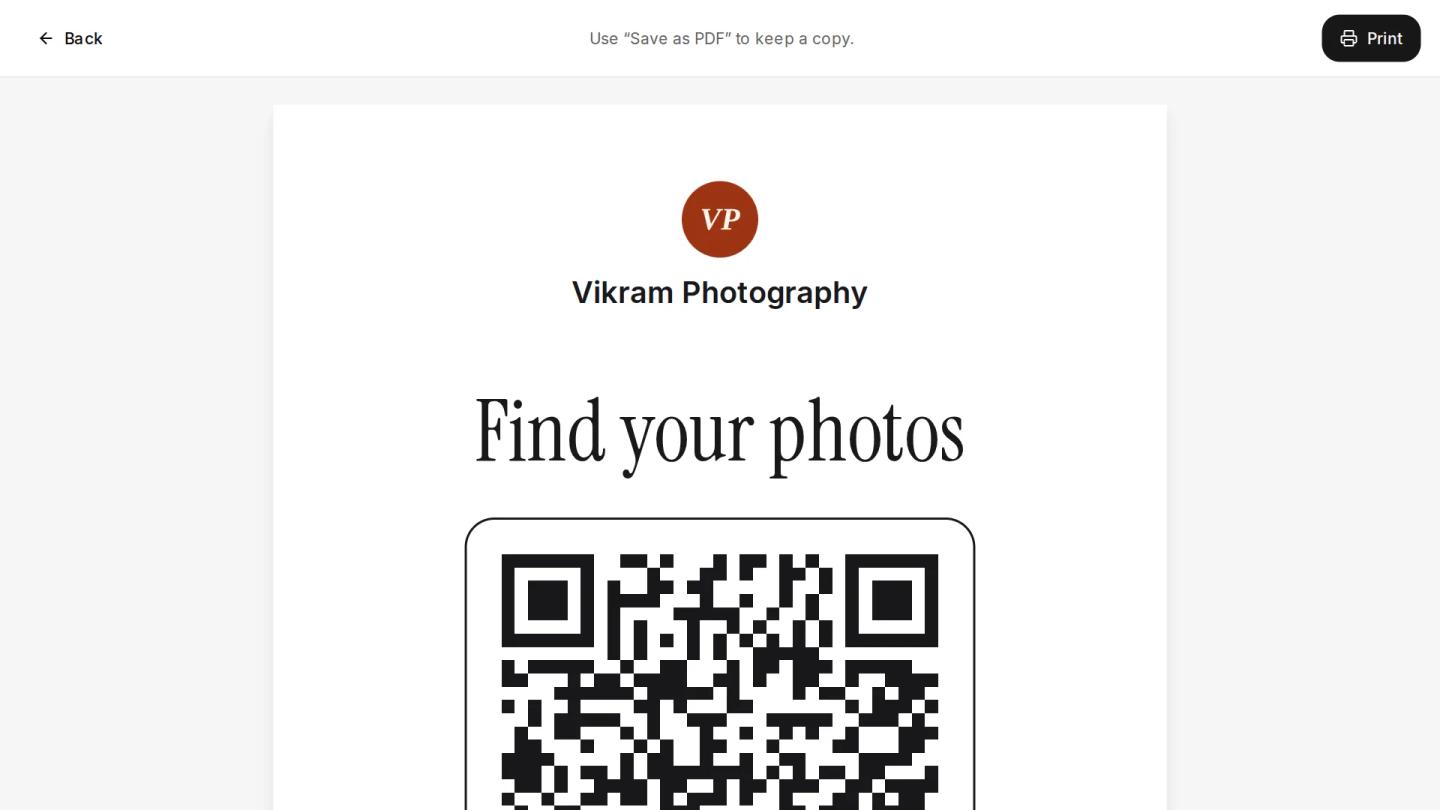
At most Indian weddings the same question comes from a hundred guests: “When will we get the photos?” A QR code for wedding photos answers it on the spot. Guests scan a poster or a table card with their phone camera and open the photos, sometimes while the function is still going on.
This guide covers how a wedding photo QR code works, where to put it at the venue, how big to print it, and the mistakes that make guests walk past it.
What a wedding photo QR code does
A QR code is a printed link. When a guest points the phone camera at it, the phone offers to open a web page: here, the page with the wedding's photos. Nothing needs to be installed on Android or iPhone.
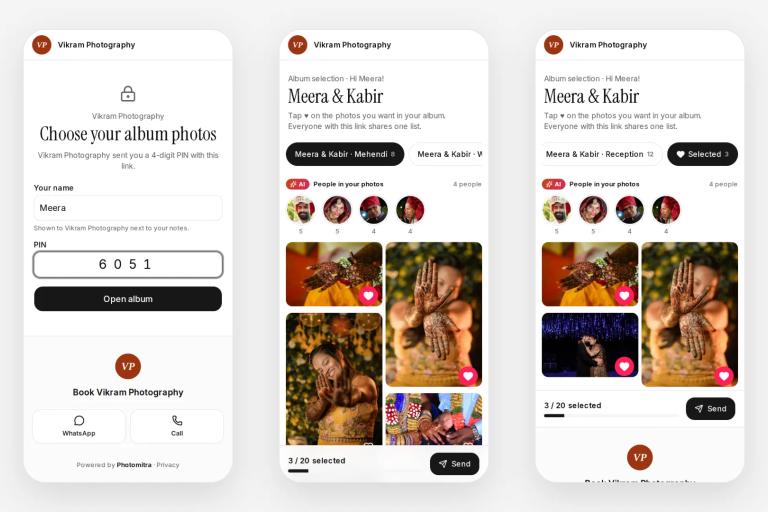
What happens after the scan depends on what the QR opens. A QR that opens a shared folder shows every guest every photo. A QR that opens a selfie photo finder asks the guest for one selfie and shows only the photos they are in, which is what most guests want and what keeps everyone else's photos private.
Two kinds of wedding photo QR codes
- A QR for guests' own photos. Guests upload the photos they took on their phones into one shared album. Useful for collecting candid shots, but it is not the professional photos.
- The photographer's QR. It opens the studio's photos from the wedding, often with face recognition so each guest sees only their own. This is the one families ask the photographer about.
Step by step: setting up a QR for a wedding
- Create the event in your photo sharing tool and choose what guests see: the selfie photo finder, the full gallery, or both.
- Get the QR for the event, or better, one permanent QR for your studio that always opens the event that is on now.
- Print posters and table cards a few days before the wedding, with one line of instructions.
- Test it on your own phone, on the printed copy, before you leave for the venue.
- Send photos as you shoot, from the camera over Wi-Fi or from your laptop, so guests who scan early find something.
Where to place the QR at an Indian wedding
- Welcome board at the entrance. The first thing guests see. A large poster works best.
- Near the stage. Guests waiting their turn for photos with the couple have time to scan.
- Dining tables. Table cards reach guests while they eat, the calmest moment of the evening.
- Photo booth or selfie corner. Guests are already holding their phones.
- Return gifts and thank-you cards. A small QR lets guests find their photos at home, days later.
How big to print it, and other printing tips
- Size. Keep the QR at least 4 cm wide on a table card and much larger on a poster, so phones read it from a step or two away.
- Matte paper. Glossy posters reflect stage lights and phones struggle to read them.
- Dark on light. A black QR on a white or light background scans best. Avoid putting it over a photo.
- One line of instructions. Tell guests what they will get, not how QR codes work.
Tip
Poster line that works: “Scan with your phone camera, take a selfie, and see your photos from today.”
Common mistakes
- A QR that opens a folder of 3,000 photos. Guests give up scrolling, and every photo is open to anyone with the link.
- A new QR for every event, printed at the last minute. A permanent studio QR can be printed once and used for years.
- A tiny QR on the back of a card. If guests cannot see it from their seat, they will not scan it.
- No photos yet when guests scan. If the first scans find nothing, guests do not come back. Start sending photos early in the function.
Two weddings on one muhurtham day
In the season a studio often covers two or three events on the same day. Instead of a different QR for each, one QR can open a board that lists the day's events, and each guest taps theirs. The same printed board works again the next day.
Doing it in Photomitra
Photomitra gives each studio one permanent QR that opens the event happening now, QR boards for busy days, and A4 and A5 posters and table cards with your logo, ready for the print shop. You can see how many people scanned each board. See QR code photo sharing.
After the scan, guests take one selfie and see only the photos they are in (face recognition photo sharing), and with live camera upload the photos arrive while the function is still on.
Share this post
Written by the Photomitra teamWe build live photo delivery, album selection and studio software for wedding and event photographers in India, and set it up with them on WhatsApp. About us