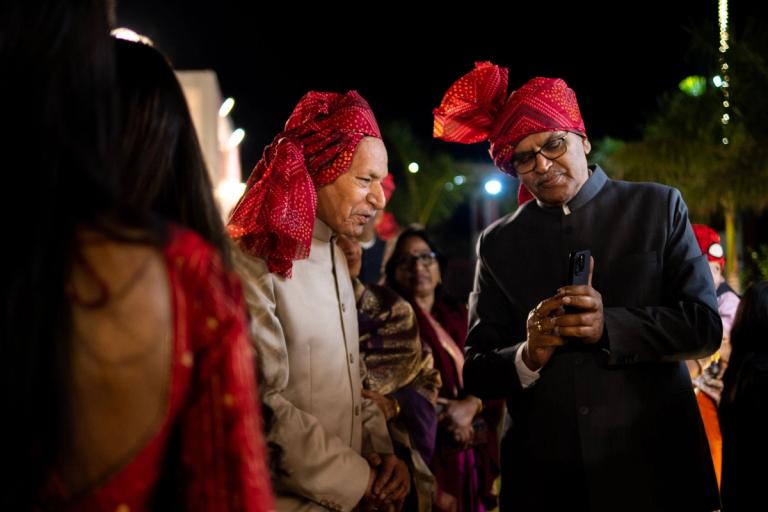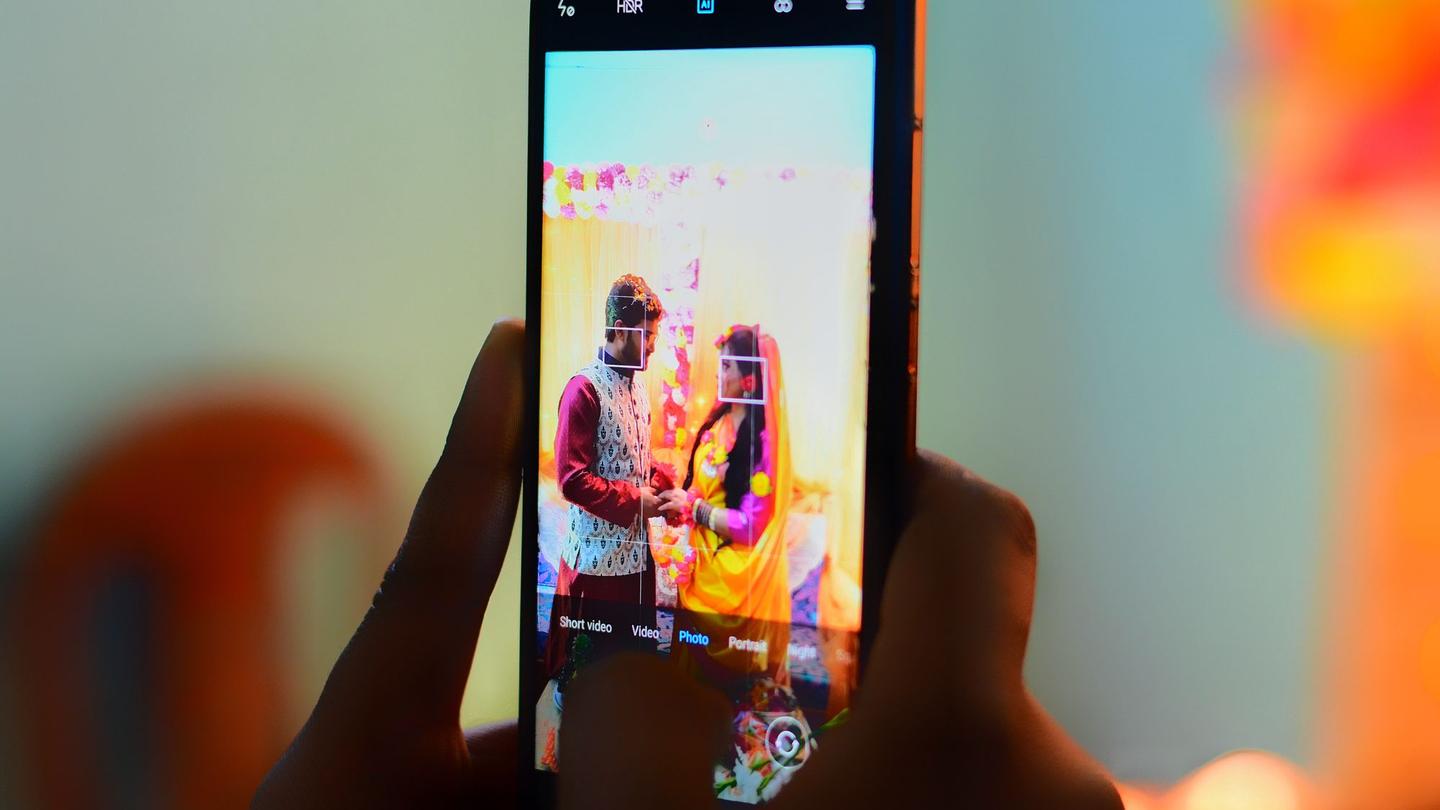
A wedding can easily produce 3,000 photos and 400 guests who want theirs. Sharing a Google Drive folder or a WhatsApp group means everyone scrolls through everything, and every guest's photos are open to everyone else. Face recognition photo sharing fixes both: each guest takes one selfie and sees only the photos they are in.
Here is how it works, what affects accuracy, and what India's data protection law means for your studio.
How it works, step by step
- The photos arrive. You upload them after the event, or they come straight from the camera during it.
- The software finds the faces. For each face in each photo it makes a face template: a list of numbers that describes the face. It is not a picture of the face.
- The guest scans your QR code. They see your studio's page, read a short consent screen and take a selfie.
- The selfie becomes a template too, and is compared with the faces from the event. Photos with a close match are shown to that guest.
- The guest downloads or shares their photos, usually within seconds.
Because the matching uses numbers, not the photos themselves, it is fast even for large events, and new photos can be matched as they arrive.
What affects accuracy
Modern face matching is very good, but it is not magic. These things make a difference:
- Light: a selfie in a dark corner matches less well than one facing a window or a light.
- Angle: a face seen fully from the side in a candid shot is harder to match than one looking towards the camera.
- Size: faces at the back of a large group photo are only a few pixels wide.
- Covering: sunglasses, a veil, a ghunghat or a mask hide part of the face.
- Blur: dancing at the sangeet makes for movement blur.
Help guests take a good selfie
A one-line hint on the screen helps: face the light, hold the phone at eye level, take off sunglasses. It is the cheapest way to raise matches.
If a guest feels photos are missing, they can take the selfie again in better light, or browse the full gallery if you allow it. No system finds every photo of every person, so it is good practice to leave that option on.
What India's DPDP Act means for event photos
India's Digital Personal Data Protection Act, 2023 treats information about an identifiable person as personal data, and legal commentators read that to include photos in which a person can be recognised. For a studio, the practical points are:
- Consent first: guests should understand what happens to their selfie before they take it, and agree to it.
- Use it only for the purpose: a selfie taken to find photos shouldn't be used for anything else.
- Delete on time: keep face data only as long as it is needed.
- Respect requests: people can withdraw consent and ask for their data to be erased.
This is not legal advice
The rules under the Act are still being applied in practice. For your own contracts and consent wording, speak to a lawyer who works on data protection.
What to look for in a photo sharing app
Before you put any app in front of your clients' guests, check:
- A clear consent screen before any selfie is used.
- The selfie image is not stored, only the numbers needed to match.
- Face data is deleted on a fixed schedule after the event.
- Guests' photos and faces are never used to train AI or for advertising.
- Data is kept in India.
- It works on any phone without installing an app, with your studio's name and logo on it.
How Photomitra handles it
Photomitra was built for the DPDP Act from the start. Guests see a consent screen before their selfie; a parent or guardian agrees for a child. The selfie is turned into a numeric face template and the image itself is discarded. Face templates are deleted with the event's guest data 30 days after the event, and guests' photos and faces are never used to train AI models. The servers are in Mumbai. You can read the details on our security page and in the privacy policy, and see the guest side on the selfie photo finder page.
Share this post
Written by the Photomitra teamWe build live photo delivery, album selection and studio software for wedding and event photographers in India, and set it up with them on WhatsApp. About us