At every wedding someone asks for your card: the decorator, the event planner, a cousin who is getting married next year. A visiting card is still how many bookings start in India. It has one job: get that person to see your work and message you.
This guide covers what to print on a photography visiting card, how to use a QR code well, ideas that work, and the size and paper to ask your printer for.
What to print on a photography visiting card
- Studio name and logo. Use the exact name people will search for on Instagram and Google.
- Your name and role. "Ravi, lead photographer" is easier to call than a studio name alone.
- Phone number with WhatsApp. Write it with +91 and mark it as WhatsApp, because that is where most enquiries come.
- Instagram handle. Spelled exactly as it is. Many couples check your Instagram before they call.
- Website. A short address that is easy to type.
- What you shoot and where. One line such as "Wedding and pre-wedding photography, Vizag".
- A QR code that opens your work. More on this below.
Skip the long list of services, every social network you have joined and a full address, unless clients really visit your studio. A crowded card is hard to read and easy to forget.
The QR code: make it open your best work
The QR code is the most useful thing on a modern card, because nobody types a long link at a wedding. Point it at one page that shows your best work: your portfolio website or your Instagram, never a Google Drive folder that asks for access.
- Print it at least 2 cm wide, dark on a light background, with clear space around it.
- Write under it what it opens, for example "Scan to see our weddings".
- Test it with a few Android phones and an iPhone before you print a big batch.
- Use a link you control. If you change your Instagram handle, a printed QR code to the old one stops working; a website address you own keeps working.
8 photography visiting card ideas that work
- One photo on the back. A single strong frame edge to edge, with the front kept clean.
- Minimal black and white. Name, one line, the QR code. It looks confident.
- Matte card with spot UV. A glossy logo on matte paper catches the light.
- Kraft or textured paper. It suits a candid, natural style.
- Foil on the name. Gold or rose gold for studios that shoot premium weddings.
- A square card. It stands out among rectangles, though it costs more and won't fit every card holder.
- Two languages. English on one side and Telugu, Hindi or Tamil on the other for local families.
- A different photo for each batch. Weddings for wedding venues, baby shoots for maternity clinics, so the card fits where you hand it out.
Size, paper and printing
- The common size in India is 3.5 × 2 inches (about 89 × 51 mm). It fits wallets and card holders.
- A thick card of 300 to 350 GSM feels solid; matte lamination protects the photo from scratches.
- When a photo touches the edge, ask your printer how much bleed they need (often 3 mm), and keep text a few millimetres inside the edge.
- Printed colours rarely match your screen. Ask for a proof or print a small batch first and check the skin tones.
Tip
Before you print 500 cards, scan the QR code on the printed proof, not on your screen. A code that works on screen can fail once it is printed small.
Mistakes to avoid
- Text so small that elders can't read the phone number.
- Five photos squeezed onto one small card.
- A phone number with no hint that it is on WhatsApp.
- A QR code to a link that needs a login, or to a page you no longer update.
- Printing a big batch with an old phone number or handle. Check every detail once more before you approve.
A card only starts the conversation; what brings the booking is what happens after the scan and at every event you shoot. For more on that, read how to get more wedding bookings from every event.
Doing it in Photomitra
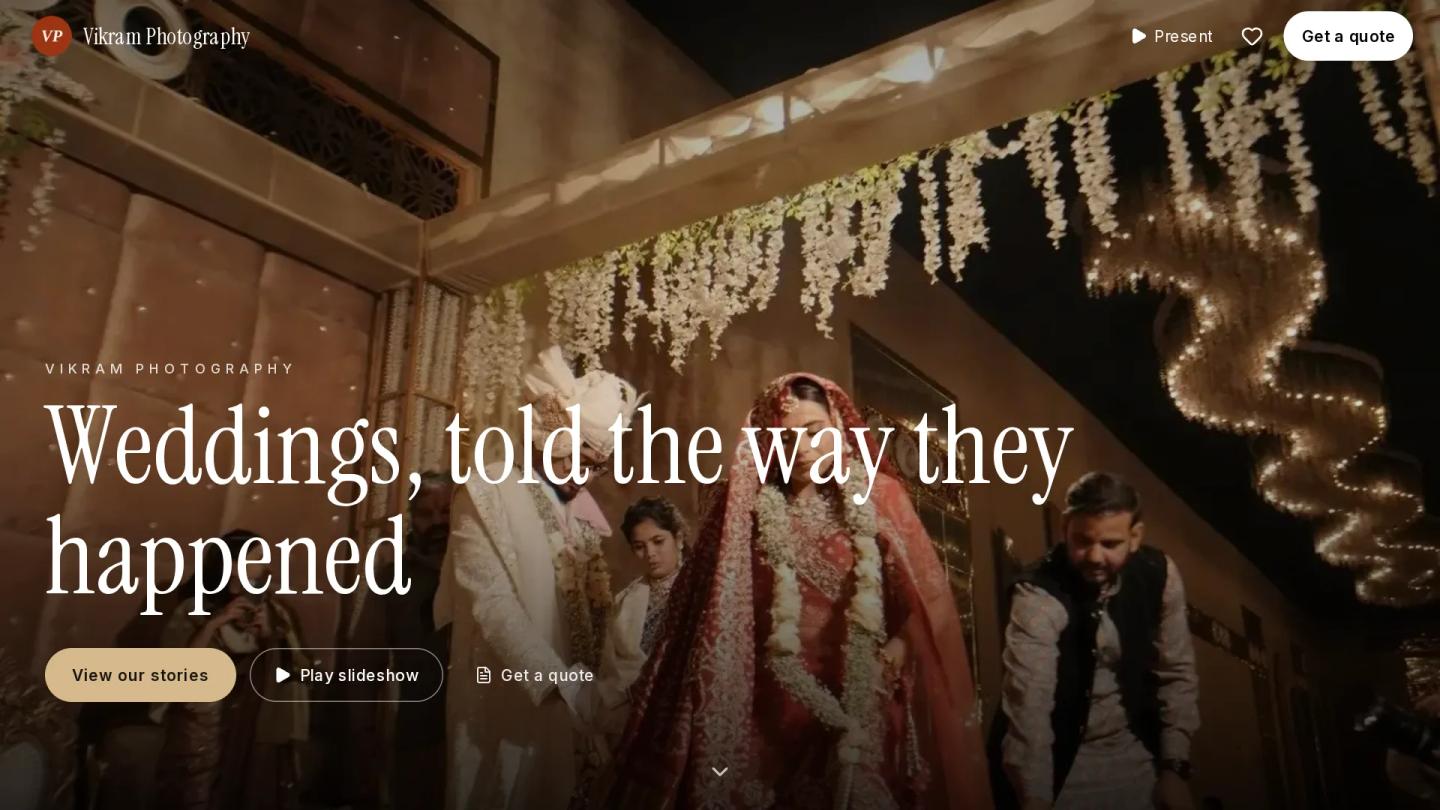
Your card's QR code needs a page worth opening. With Photomitra you get a portfolio website at yourname.photomitra.com, or on your own domain, with wedding stories made from the photos of your events and a Get a quote button. When a couple enquires from your site, you turn the enquiry into a quotation in one tap.
Put that website address, or a QR code of it, on your card. See how it works in photographer website builder.
Share this post
Written by the Photomitra teamWe build live photo delivery, album selection and studio software for wedding and event photographers in India, and set it up with them on WhatsApp. About us