Every photographer knows the feeling: a card that won't read, a laptop that won't start, a drive that clicks. Most days you get lucky. But a wedding can't be shot again, and the family will never forget the one that was lost.
The good news is that a reliable backup plan is simple, and it costs far less than one unhappy family. This guide gives you a plan that fits how Indian wedding studios actually work: long multi-day events, many cameras, and terabytes of RAW files every season.
Drives do fail, every year
Backblaze, a cloud storage company that publishes the failure rates of the hard drives in its data centres, reported an annual failure rate of 1.36% across about 344,000 drives in 2025. That's roughly one drive in every 75 failing within a year, in well-run data centres. Drives in a studio get carried to venues, dropped and run hot, so plan as if one of yours will fail. The question is only whether you have another copy when it does.
The 3-2-1 rule
The simplest rule that works:
- 3 copies of every wedding,
- on 2 different kinds of storage,
- with 1 copy away from your studio.
A fire, a theft or a flood takes everything in one place. The copy that is somewhere else is the one that saves you.
The plan, step by step
1. At the event: two copies from the start
Most professional cameras have two card slots: set them to record every photo to both cards. If your cameras send photos over Wi-Fi as you shoot, that's another copy that has already left the camera.
2. The same night: copy the cards twice
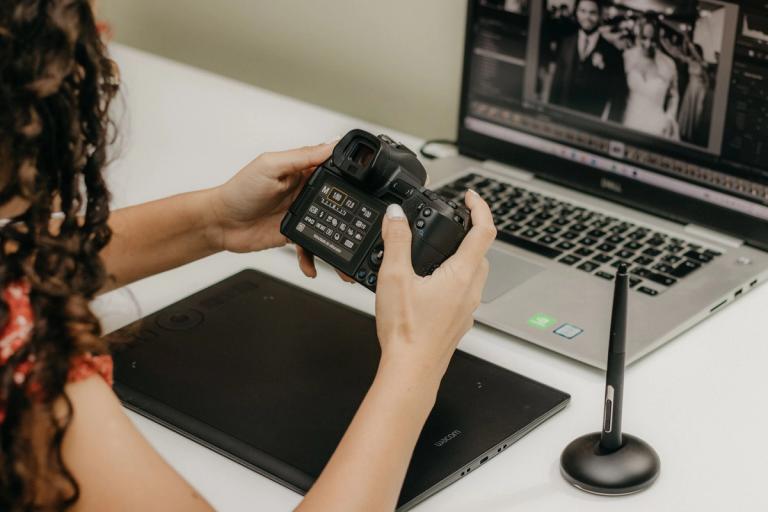
Copy each card to your laptop or working drive and to an external drive. Check the photo count and open a few files from each function. Don't format a card until both copies exist.
3. Within a week: one copy leaves the studio
Upload the wedding to cloud or archive storage, or keep a second external drive at home. Do it before editing starts, so a problem during editing can't take the only copies.
4. After delivery: archive, then tidy
Once the album is printed and the family is happy, move the RAW files and finals to long-term storage, check the copy, and free up your working drive for the next season.
A sync folder or RAID isn't a backup
If a file is deleted or damaged by a virus, a sync folder copies that to every device, and RAID keeps it on every disk. Keep at least one copy that only changes when you decide.

How much storage you actually need
Work it out from your own numbers. As an example: a wedding with 4,000 RAW files at about 40 MB each is about 160 GB, before films. Thirty such weddings in a season is close to 5 TB, and it grows every year you keep them.
Where to keep it
- External hard drives: the cheapest per terabyte and quick to fill, but they fail and get lost. Keep two, and replace them every few years.
- A NAS at the studio: convenient for the team, but it is still one place. Pair it with an off-site copy.
- Cloud drives: good for sharing, but expensive for years of RAW files. A July 2026 buyer's guide lists Google One at about ₹650 a month for 2 TB in India.
- Archive storage: made for files you rarely open, so it costs much less per gigabyte. Opening a folder takes a few hours instead of seconds, which is fine for a wedding from three years ago.
Write your storage promise down
Say in your quotation how long you keep the originals and what happens after. Families often come back years later for prints, a parents' album or an anniversary gift.
How Photomitra helps
Photomitra's live camera upload sends photos to the cloud as you shoot, so a copy leaves the venue during the event. After delivery, the archive vault keeps your RAW files, JPEGs and films in tape-class archive storage in AWS Mumbai: 500 GB is included in the plan, with more space at ₹349 a month per 100 GB or ₹899 per 500 GB. Thumbnails stay visible, a free unlock takes 5 to 12 hours (a fast one 3 to 5 hours), and you can hand a folder to the couple with a download link.
Share this post
Written by the Photomitra teamWe build live photo delivery, album selection and studio software for wedding and event photographers in India, and set it up with them on WhatsApp. About us